React Overview
-
Review: The Client and the Server
- The server is responsible for processing data and sending data to the client.
- The client is responsible for presenting the data to the user.
-
What is React?
React is a tool that makes websites more interactive by simplifying how developers build different features. It’s like a set of building blocks for creating dynamic web pages, improving both speed and user experience.
React Components
In React, a component is a reusable and self-contained piece of user interface (UI) that can be independently developed, tested, and composed to build larger applications.
React Components
Components can represent elements like buttons, forms, or entire sections of a webpage. They encapsulate both the visual presentation and the logic associated with that part of the user interface.
Making a Component
To really get the hang of it, let’s jump right into making a React project and some components.
-
Getting Set up…
First, let’s make sure we have React available for use. If you don’t have React installed, enter the following into Terminal:
npm install -g create-react-app
-
Starting a React Project
Using Terminal, go to the directory you want o put your project into. Then, use the following command:
npx create-react-app bunniesvskittens
Then,
cd bunniesvskittens
-
set up directories
Next, set up places to put components and images.
mkdir src/components
mkdir public/img
mkdir public/img/bunnies
mkdir public/img/kittens
mkdir public/img/puppies
-
set up component files
Now, make files to store the Javascript for the components, and the custom CSS for the app :
touch src/components/bvk.js
touch src/components/Bunny.js
touch src/components/Kitten.js
touch src/components/CuddleBattle.js
touch src/components/Winner.js
touch src/bvk.css
-
Bunny.js
const Bunny = () => {
    return <div id="bunny" key="bunny">Bunny</div>
};

export default Bunny;
-
Kitten.js
const Kitten = () => {
    return <div id="kitten" key="kitten">Kitten</div>
};

export default Kitten;
-
CuddleBattle.js
const CuddleBattle = () => {
    return <div id="cuddle_battle" key="cuddle_battle">CuddleBattle</div>
};

export default CuddleBattle;
-
Start the app
npm start
Then browse to the site:

-
Edit the App.js
Locate and edit src/App.js:
import logo from './logo.svg';
import './App.css';
import './bvk.css';
import CuddleBattle from './components/CuddleBattle'
function App() {
  return (
    <div className="App">
      <header className="App-header">
        <img src={logo} className="App-logo" alt="logo" />
      </header>
      <CuddleBattle />
    </div>
  );
}

export default App;
-
bvk.css
This is what we’ll have in src/bvk.css to start:
.App-header {
  min-height: 100px;
}
-
What we have now:
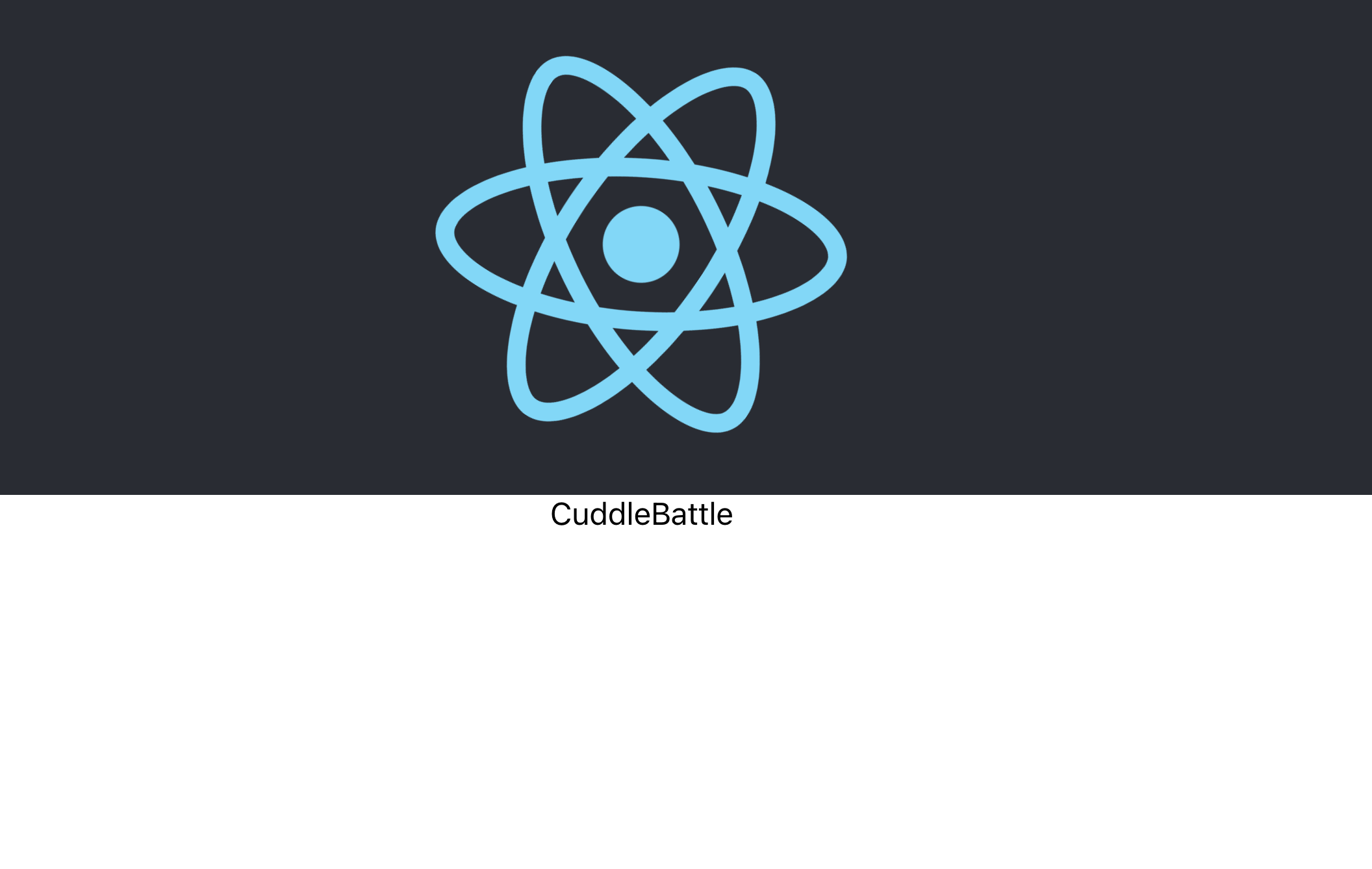
-
CuddleBattle.js (edit)
Now, we’ll edit src/components/CuddleBattle.js :
import Bunny from "./Bunny";
import Kitten from "./Kitten";

const CuddleBattle = () => {
    return <div id="cuddle_battle" key="cuddle_battle"><Bunny/><Kitten/></div>
};

export default CuddleBattle;
-
What we have now:

-
Edit bvk.css
Now we’ll add the following to bvk.css (to make it look cleaner)
#bunny, #kitten {
    float: left;
    width: 150px;
    height: 150px;
    margin: 25px 10px;
    padding: 10px;
    border: 2px solid #ccc;
}
div#cuddle_battle {
    width: 400px;
    margin: 0 auto;
}
-
What we have now:
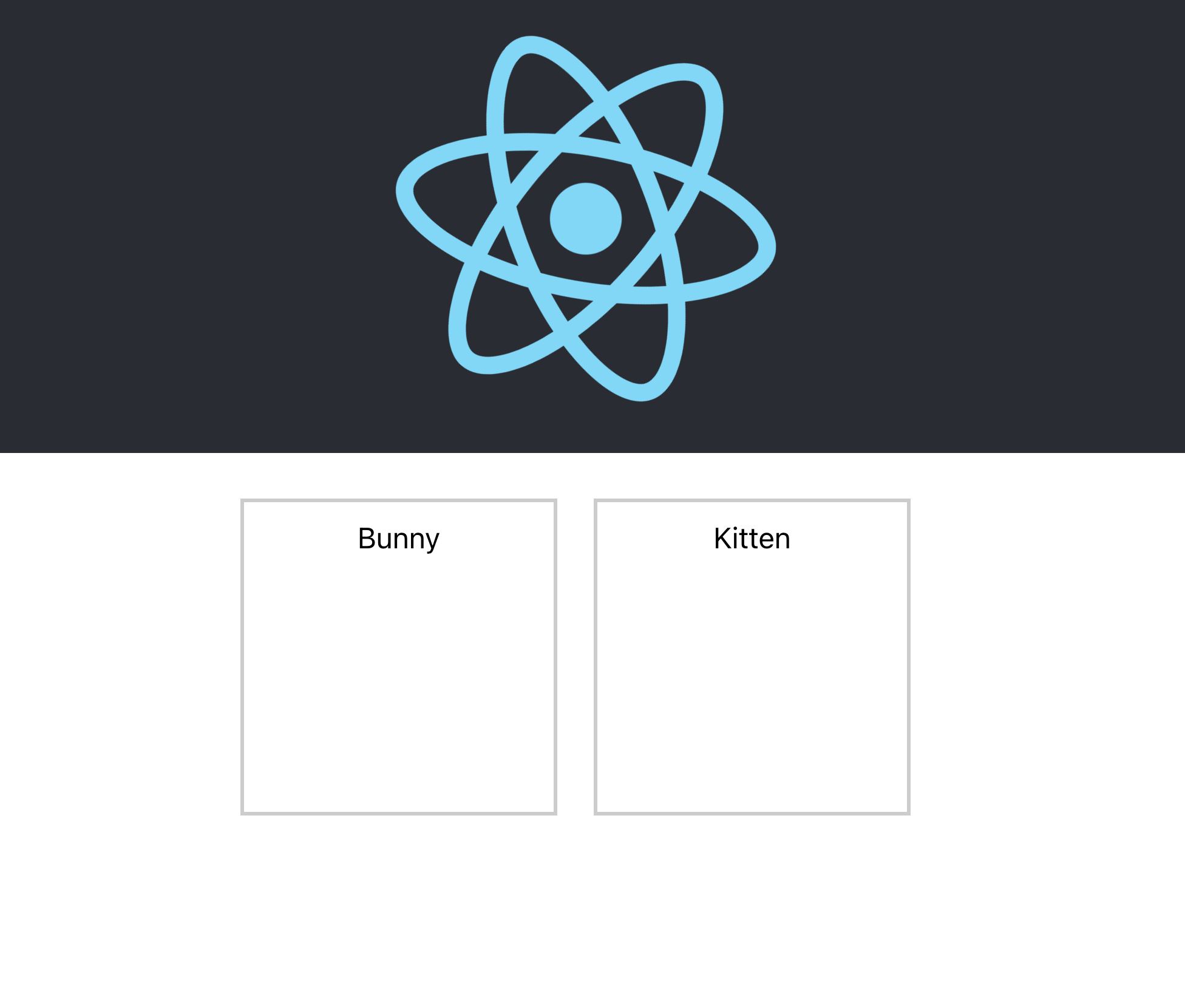
-
#bunny img, #kitten img {
    width: 100%;
    height: 100%;
    object-fit: cover;
}
-
Kitten.js
const Kitten = () => {
    return <div id="kitten" key="kitten"><img src="/img/kittens/kitten01_200_200.jpg" /></div>
};

export default Kitten;
-
Bunny.js
const Bunny = () => {
    return <div id="bunny" key="bunny"><img src="/img/bunnies/cute-bunny-3.jpg"/></div>
};

export default Bunny;
-
What we have now:
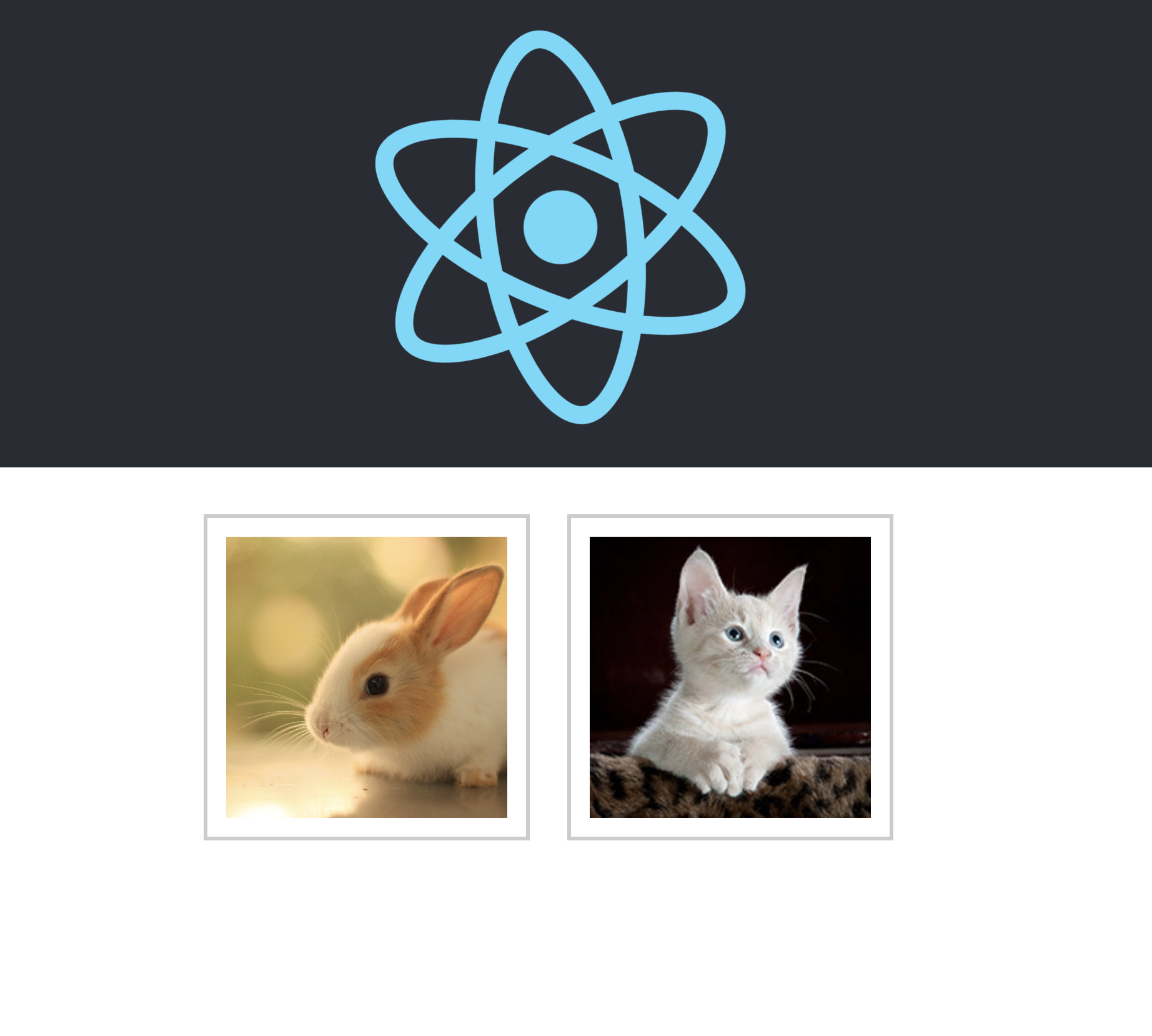
-
passing values to the template as variables
Edit our components accordingly:
 element = {name: "Fluffy Jr.", img: "/img/bunnies/cute-bunny-3.jpg"};
const Bunny = () => {
    return <div id="bunny" key="bunny"><img src={element.img}/>{element.name}</div>
};

export default Bunny;
var element={name:"Meuteepie",img:"/img/kittens/kitten01_200_200.jpg"};
const Kitten = () => {
    return <div id="kitten" key="kitten"><img src={element.img} />{element.name}</div>
};

export default Kitten;
-
What we have now:

-
passing values to the COMPONENT using variables
-
We’ll need to pass objects to our various components to display….
-
Editing CuddleBattle.js
Now, let’s update CuddleBattle.js:
import Bunny from "./Bunny";
import Kitten from "./Kitten";
import Winner from "./Winner";
import get_bvk_score from './bvk.js';

function get_winner(bunny, kitten){
    var winner = {name: "Tie", img: "/img/bunnies/cute-bunny-3.jpg", cute: 9, cuddly: 9,adorable: 8, soft: 8, playful: 6, fluffy: 10, cute_sounds: 0, species: "tie"};
     var bunny_score = get_bvk_score(bunny);
     var kitten_score = get_bvk_score(kitten);

     if (bunny_score == kitten_score){
       return winner;
     }

     return (bunny_score > kitten_score)? bunny : kitten;
 }

const CuddleBattle = () => {
    var kitten = {name:"Meuteepie",img:"/img/kittens/kitten01_200_200.jpg", cute: 10, cuddly: 5,adorable: 9, soft: 8, playful: 9, fluffy: 6, cute_sounds: 1, species: "kitten"};
    var bunny = {name: "Fluffy Jr.", img: "/img/bunnies/cute-bunny-3.jpg", cute: 9, cuddly: 9,adorable: 8, soft: 8, playful: 6, fluffy: 10, cute_sounds: 0, species: "bunny"};
    var winner = get_winner(bunny,kitten);

    return <div id="cuddle_battle" key="cuddle_battle">
        <Bunny bunny={bunny}/>
        <Kitten kitten={kitten}/>
        <Winner winner={winner}/>
        </div>
};

export default CuddleBattle;
- Now, let’s update bvk.js:
function get_bvk_score(element){
    return element.cute + element.cuddly + element.adorable + element.soft + element.playful + element.fluffy + element.cute_sounds;
}

export default get_bvk_score;
- Now, let’s update showStats.js:
import get_bvk_score from './bvk.js';

function showStats(element, type){
    var bvk_score = get_bvk_score(element);
    return    <div id={type} key={type}><div className="player-image"><img src={element.img} /></div>
    <div className="title">{element.name}</div>
    <div>cuteness: {element.cute}</div>
    <div>cuddliness: {element.cuddly}</div>
    <div>adorability: {element.adorable}</div>
    <div>softness: {element.soft}</div>
    <div>playfulness: {element.playful}</div>
    <div>fluffiness: {element.fluffy}</div>
    <div>cute_sounds: {element.cute_sounds}</div>
    <div>bvk_score: {bvk_score}</div>
    </div>;
}

export default showStats;
-
Winner.js
function showWinner(element, type){
    return    <div id={type} key={type}>
    <div className="title">Winner: {element.name} - {element.species} </div>
    </div>;
}

const Winner = ({winner}) => {
    return showWinner(winner,"winner")
};

export default Winner;
- Update Bunny.js:
import showStats from './showStats.js';

const Bunny = ({bunny}) => {
    return showStats(bunny,"bunny")
};

export default Bunny;
and Kitten.js:
import showStats from './showStats';

const Kitten = ({kitten}) => {
    return showStats(kitten,"kitten")
};

export default Kitten;
- ###Update bvk.css Now let’s clean up bvk.css:
.App-header {
  min-height: 100px;
}
#bunny, #kitten {
    float: left;
    width: 150px;
    min-height: 150px;
    margin: 25px 10px;
    padding: 10px;
    border: 2px solid #ccc;
}
div#cuddle_battle {
    width: 400px;
    margin: 0 auto;
}
#bunny .player-image img, #kitten .player-image img{
  width: 88%;
  height: 88%;
  object-fit: cover;
}
#bunny .player-image, #kitten .player-image {
  height: 150px;
  width: 150px;
  position: relative;

}
#bunny div, #kitten div {
  text-align: left;
  padding-left: 10px;
}
#bunny .title, #kitten .title {
  background: #fff;
  font-weight: 700;
  text-align: center;
  margin-bottom: 10px;
}
div#winner {
  margin: 25px auto 50px;
  font-size: 24px;
  font-weight: 700;
  text-align: center;
}
-
What we have now:

-
Next session, we’ll talk about events and more dynamic features. For now, play around with these concepts to put together structural elements of your applications.